
Programs
Coding, robotics and AI for Grades 1–12
A 10-week program in small groups of up to 15 students, taught by a Cyber Square instructor.
Grades 1–3
First steps in coding.
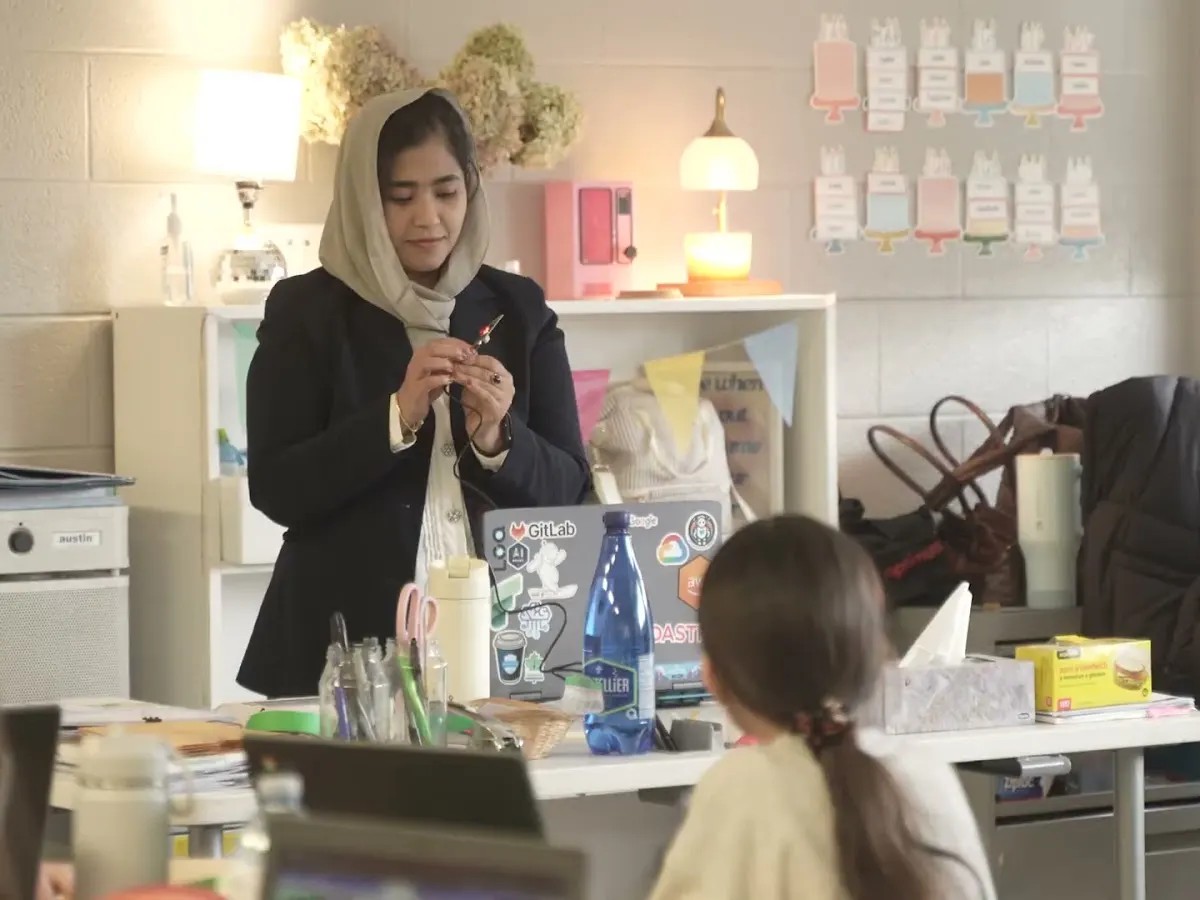
Students write step-by-step instructions, code in Scratch, and watch the same code control a real Micro:bit.
Curriculum links
Every project is tied to an Ontario Math expectation (Strand C: coding), from moving on a grid to repeating patterns and if/then logic.
Tools students use
Scratch (ScratchJr for the youngest) and Micro:bit
Sample 10-week outline
- 1Algorithms in daily life
- 2Scratch: move on a grid
- 3Loops: repeating patterns
- 4Meet the Micro:bit
- 5Buttons and conditionals
- 6Loops on real hardware
- 7Temperature sensor
- 8Mini math game in Scratch
- 9Project build day
- 10Digital Fest showcase
Grades 4–8
Robotics, game design and first AI projects.
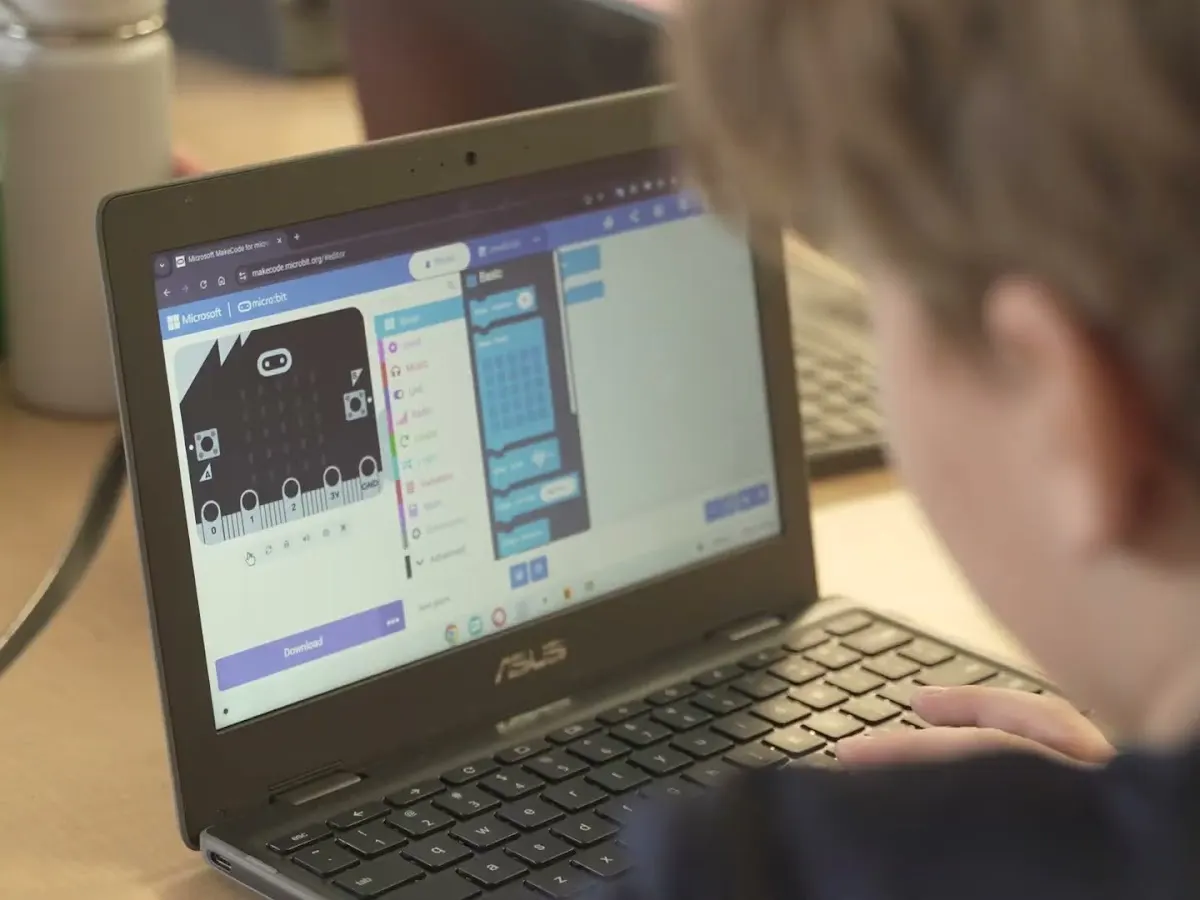
Students use Micro:bit sensors to build real devices, then move from Scratch to Python and try beginner AI.
Curriculum links
Supports the coding expectations in Ontario Math (algebra, data, spatial sense) and Science & Technology, including emerging technologies.
Tools students use
Scratch, then Python · Micro:bit sensors · web building (HTML, CSS, JavaScript) · beginner AI
Sample 10-week outline
- 1Variables: score keeper
- 2Step counter (accelerometer)
- 3Loops: efficient code
- 4Geometry and conditional logic
- 5Smart lamp (light sensor)
- 6Data collection: temperature log
- 7Restaurant calculator
- 8Probability simulator
- 9Capstone project build
- 10Digital Fest showcase
Shown for Grades 4–6. Grades 7–8 work in Python: calculators, data analysis, graphing, AI gesture recognition and a sport prediction app.
Grades 9–12
Python, web and app building, AI projects.
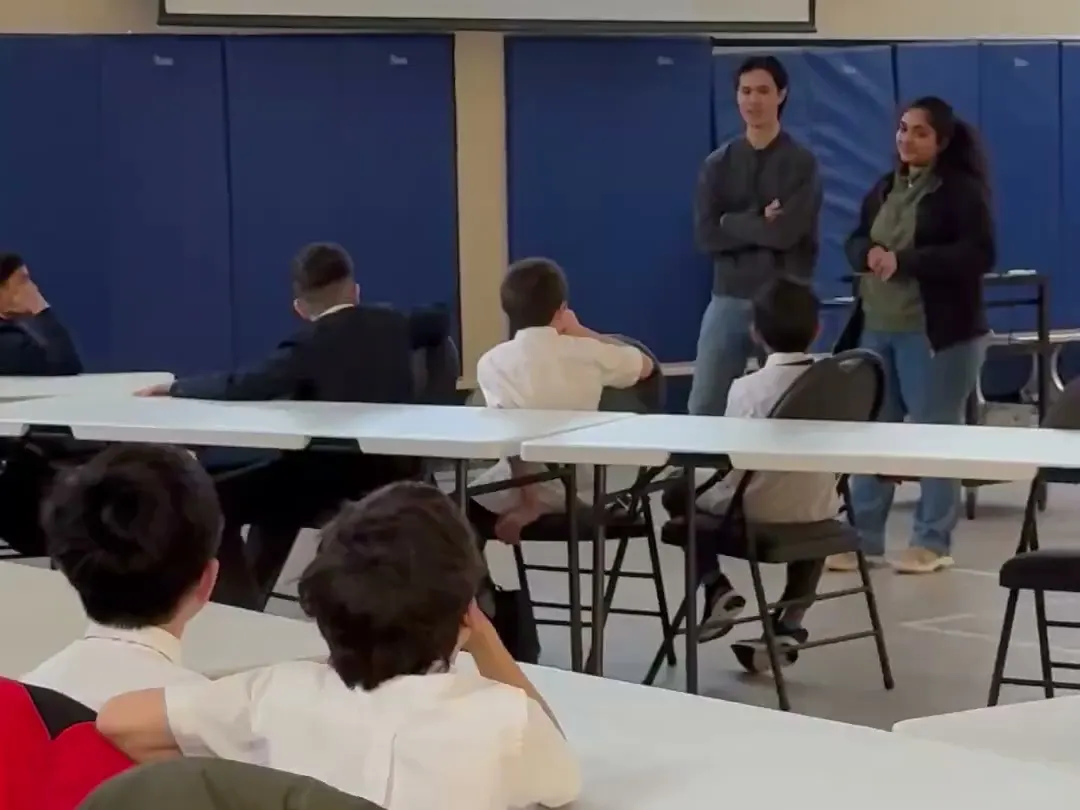
Students write real code in Python, build websites and apps, and create AI and machine learning projects.
Curriculum links
Supports Technological Education (the Grade 9 or 10 credit every student now needs) and Computer Studies.
Tools students use
Python · AI and machine learning (TensorFlow) · web and app building
Sample 10-week outline
A session-by-session outline for your grades is included in your proposal.
More reasons schools add us
- Parents keep asking about AI, but there is no safe, structured way to teach it.
- Our answer: Age-appropriate AI lessons: what AI is, how to use it responsibly, and how to build simple AI projects.
- High school students now need a Grade 9 or 10 Technological Education credit to graduate.
- Our answer: Hands-on coding and robotics that supports your Technological Education and Computer Studies courses.
- Vendor programs are complicated and costly.
- Our answer: One flat fee, invoiced monthly. One contact person. We handle scheduling, teaching and the showcase.
AI, taught safely
Parents are asking about AI. Every grade band includes age-appropriate AI lessons.
- What AI is, in plain words.
- How to use AI tools responsibly and check their answers.
- How to build simple AI projects.
Ontario curriculum, in plain words
- The elementary Math curriculum (2020) includes coding in every grade, 1 to 8.
- Science & Technology (2022) includes coding and emerging technologies.
- Students who started Grade 9 in September 2024 or later need a Grade 9 or 10 Technological Education credit to graduate.
After-school club option
Run it after school instead. Parents can pay, so there is no cost to your school budget — or the school sponsors it for a flat fee and students join free.
Ask about an after-school clubLearning continues between sessions
Every student gets a login to the Cyber Square learning platform. Students keep practising online between sessions, and you can see their progress.
Get a proposal for your school
Tell us a little about your school. We'll email you a proposal with dates and pricing.
What happens next
- 1We reply by email within 1 business day.
- 2You pick a day and time that suits your timetable.
- 3Our instructor arrives with the kits.
Prefer email or phone? ijas@cybersquare.ca · +1 647-931-3171